eSIM and connectivity in Iceland — phones, data, and coverage
What is the best way to get mobile data in Iceland?
An eSIM bought before departure is the easiest option for most visitors — no physical SIM swap, competitive prices, and activates instantly. Local SIM cards (Síminn, Nova, Vodafone Iceland) work well too and are sold at Keflavik Airport. Coverage is good on the Ring Road but has gaps in remote highland and Westfjord areas.
Staying connected in Iceland matters for more than convenience — navigation apps, weather checks, and emergency contact all rely on some form of signal, and the Ring Road and highland routes have real dead zones where none of that works. This guide covers every practical option, from eSIMs to emergency connectivity, so you can plan data use before you land rather than improvising at Keflavík arrivals.
| Best option for most visitors | eSIM bought before departure |
| Cost (7–10 day trip) | Around $10–25 for an eSIM; 5,000–8,000 ISK for a local SIM |
| Coverage | Good on Ring Road and towns; gaps in highlands and deep Westfjords |
| Buy local SIM at | Keflavík Airport arrivals hall, 24/7 |
| Emergency backup | 112 Iceland app works via GPS even without data |
Mobile coverage in Iceland
Iceland has decent mobile coverage along its main roads and in populated areas, but you will encounter dead zones. Knowing where coverage exists — and where it does not — matters particularly if you rely on navigation apps or need to contact emergency services.
Where coverage is reliable:
- Reykjavik and the Capital Region
- Keflavik and the Reykjanes Peninsula
- The full Ring Road (Route 1) for most of its length, though with occasional gaps
- Akureyri and northern towns
- Snæfellsnes Peninsula main roads
- South Iceland towns (Vík, Selfoss, Höfn)
Where coverage is patchy or absent:
- Interior highlands (Landmannalaugar, Kerlingarfjöll, Askja) — significant dead zones
- Deep Westfjords, especially beyond Ísafjörður on minor roads
- Eastern fjords on secondary roads
- Some stretches of the Ring Road between East Iceland towns
- Mountain hiking routes (Laugavegur, Fimmvörðuháls)
Icelandic operators use 4G LTE as standard. 5G is available in Reykjavik and a growing number of urban areas. 3G coverage is wider than 5G but narrower than 4G.
Option 1: eSIM (recommended for most visitors)
An eSIM is a digital SIM that you install on your phone before you travel. No physical card, no SIM swap, no risk of losing a tiny piece of plastic on a glacier.
Advantages:
- Buy and activate before departure
- Keep your home number active on your physical SIM simultaneously
- Competitive data pricing from international providers
- Works on any eSIM-compatible phone (iPhone XS or later, most flagship Android phones from 2019 onward)
Disadvantages:
- Your phone must support eSIM (check your settings: Settings > Mobile/Cellular > Add Data Plan)
- Some budget Android phones do not have eSIM
eSIM providers worth considering for Iceland:
- Airalo: Large marketplace, Iceland-specific plans from around $10–15 for 3GB. Well-reviewed.
- Holafly: Unlimited data plans available, slightly pricier but no data cap stress.
- Nomad: Competitive regional Europe plans that include Iceland.
- Saily: Good rates for European coverage.
- eSIM.me / Truphone: Options for longer stays.
When buying an eSIM, check whether it uses Síminn or Nova network in Iceland — both have good Ring Road coverage. Some eSIMs roam on weaker networks.
Option 2: Local SIM card
If your phone does not support eSIM, or you prefer a physical card, local Icelandic SIMs are available:
Síminn (síminn.is): Iceland’s largest network, best rural coverage. Tourist SIMs available at Keflavik Airport arrivals hall.
Nova (nova.is): Second network, good urban and Ring Road coverage, competitive prices.
Vodafone Iceland: Urban-focused, strong in Reykjavik.
Where to buy:
- Keflavik Airport arrivals hall (Síminn and Nova kiosks open 24/7 during flight arrivals)
- Reykjavik city centre phone shops
- Some N1 petrol stations and electronics shops
Typical tourist SIM pricing:
- 3GB data, 14 days: approximately 3,500–5,000 ISK (~$25–37)
- 10GB data, 30 days: approximately 5,000–8,000 ISK (~$37–58)
Comparing eSIM providers for Iceland: what to check
When comparing eSIM options for Iceland, the key variables are:
Network carrier in Iceland: The eSIM must roam on either Síminn or Nova to have good Ring Road coverage. Some eSIMs use Vodafone Iceland’s network, which has weaker rural coverage. Check which network your chosen eSIM uses in Iceland before buying.
Data speed throttling: Some budget eSIMs throttle to 3G speeds after a certain data threshold. For navigation and general use this is fine, but video calls will degrade. Check whether speed is throttled and at what threshold.
Validity period: Iceland trips are typically 7–14 days. A 30-day plan is overkill; a 7-day plan is cutting it close if your trip is 10 days. Choose a plan with at least the full duration of your trip plus one day buffer.
eSIM activation method: Some eSIMs activate by scanning a QR code; others activate through an app. Confirm the method before you arrive — some QR code eSIMs need to be activated before you leave your home network to avoid issues.
Customer support: If your eSIM fails in Iceland, you need a responsive support channel. Check reviews specifically for support responsiveness, not just initial connection quality.
Option 3: Roaming on your home plan
Check whether your home carrier offers free or low-cost roaming in Iceland.
- EU/EEA carriers: EU roaming regulations mean EU-based SIMs can use data in Iceland at home rates. Iceland, as an EEA member, is included. If you have a German, French, or Italian SIM, check your plan — it may include Iceland with no extra charge.
- UK carriers (EE, O2, Vodafone, Three): Post-Brexit, free EU roaming has been scaled back by most carriers. Check your specific plan for Iceland coverage costs.
- US carriers: T-Mobile includes basic international roaming in many plans. AT&T and Verizon charge daily fees ($5–10/day). Check before you travel — daily fees add up fast over 10 days.
- Australian carriers: International plans vary. Optus and Telstra both offer Iceland roaming at daily fees.
Coverage map and tools
Before your trip, check coverage at:
- síminn.is/coverage
- nova.is/coverage
For real-time road conditions and connectivity alerts during your trip, check road.is (works offline once loaded) and safetravel.is.
Download offline maps before you go. Google Maps and Maps.me both allow offline map downloads. Download Iceland specifically — it is a large map file but will be invaluable in dead zones.
Emergency calls without signal
Iceland’s emergency number is 112. Emergency calls in Iceland may connect over any available network, not just your registered carrier’s network. In areas with no data coverage, voice calls (including 112) may still be possible over a different carrier’s signal.
More importantly: the 112 Iceland app (free, iOS and Android) allows you to share your precise GPS coordinates with search and rescue even in areas without data coverage, as long as you have a GPS signal (which works independently of mobile data). Download it before you leave. See the safetravel emergency info guide.
Network speeds and what to expect
Iceland’s network speed by context:
Reykjavik 5G areas: Download speeds of 100–400 Mbps typical. Supports video calls, large file transfers, streaming.
Ring Road 4G: 10–50 Mbps typical. Adequate for maps, weather apps, video calls (with occasional buffering). Streaming music and standard-definition video is fine.
Rural areas 4G: 5–20 Mbps when available. Suitable for navigation and basic communication. Occasional drops.
Highland areas: No data in most highland zones. The F-roads to Landmannalaugar, Askja, and Kerlingarfjöll are effectively offline. Plan accordingly.
Speed tests to verify coverage: When you arrive at a remote guesthouse, run a quick speed test (speedtest.net or fast.com) to check what you actually have before relying on it for an important call.
Keeping your family or group connected
For families or groups travelling together with multiple phones:
Group connectivity options:
- Each person gets their own eSIM — most cost-effective if everyone needs independent connectivity
- One person gets a local SIM with generous data (10–20 GB) and shares a hotspot for others in the car
- A dedicated mobile router (MiFi device) — available for rent from Keflavik Airport kiosks or Síminn shops
For a family of four with moderate usage, option 2 (one 10GB SIM shared as hotspot) typically costs 5,000–7,000 ISK total ($36–50) versus four individual eSIMs at $10–15 each ($40–60 total). The cost difference is small; independence versus sharing hotspot is the deciding factor.
Iceland’s radio-frequency environment
Iceland’s telecommunications use standard European LTE frequencies: 700, 800, 1800, 2100, and 2600 MHz for 4G/LTE. 5G is on 3500 MHz in urban areas.
Most modern smartphones (iPhone 12+, recent Android flagships) support all relevant bands. If you have an older device or a US-market device with limited band support, confirm frequency compatibility with the eSIM or SIM provider before purchasing.
North American CDMA-based devices (older Verizon and Sprint phones) may have reduced compatibility — check specifically. GSM/LTE devices from any market generally work without issue.
Wi-Fi in Iceland
Free Wi-Fi is widely available:
- Most guesthouses and hotels include Wi-Fi
- Cafes and restaurants in Reykjavik nearly all offer it
- Reykjavik’s main library (Borgarbókasafnið) has free public Wi-Fi
- Most petrol station cafés have Wi-Fi
- Keflavik Airport has free Wi-Fi throughout
Quality varies. Rural guesthouses sometimes have slow satellite internet. Do not plan to stream 4K video from a highland hut.
Internet for remote work in Iceland
Iceland is increasingly popular with digital nomads. Key considerations:
Guesthouse internet speeds: Highly variable. Reykjavik apartments and city hotels typically have 50–100 Mbps connections. Rural guesthouses vary from 10 Mbps (sufficient for video calls) to satellite connections that struggle with video.
Coworking spaces: Reykjavik has several coworking spaces with reliable fast internet: Brunnur Coworking, The Lab, and Reykjavik’s libraries all provide fast connections. For travellers needing guaranteed connectivity for client calls, plan around Reykjavik days for critical meetings.
Video calling on the Ring Road: Possible at most guesthouses in the evening. Do not schedule non-reschedulable calls for afternoons when you are driving between stops — you may arrive late, or the guesthouse Wi-Fi may be overloaded with other guests.
Download-heavy work: Transferring large files (design work, video editing) is best done in Reykjavik accommodations. Highland areas, even at guesthouses, rarely have the bandwidth for large cloud uploads.
Staying connected safely: the security angle
Public Wi-Fi at cafés, petrol stations, and guesthouses is generally not encrypted. Standard security practices:
- Use a VPN if connecting to sensitive accounts (banking, work systems) over public Wi-Fi
- Avoid accessing banking apps over public Wi-Fi without a VPN
- Your eSIM/SIM data connection is inherently more secure than public Wi-Fi
Iceland is not a high-risk country for cybercrime targeting tourists, but the standard digital hygiene applies.
Practical tips for connectivity on the Ring Road
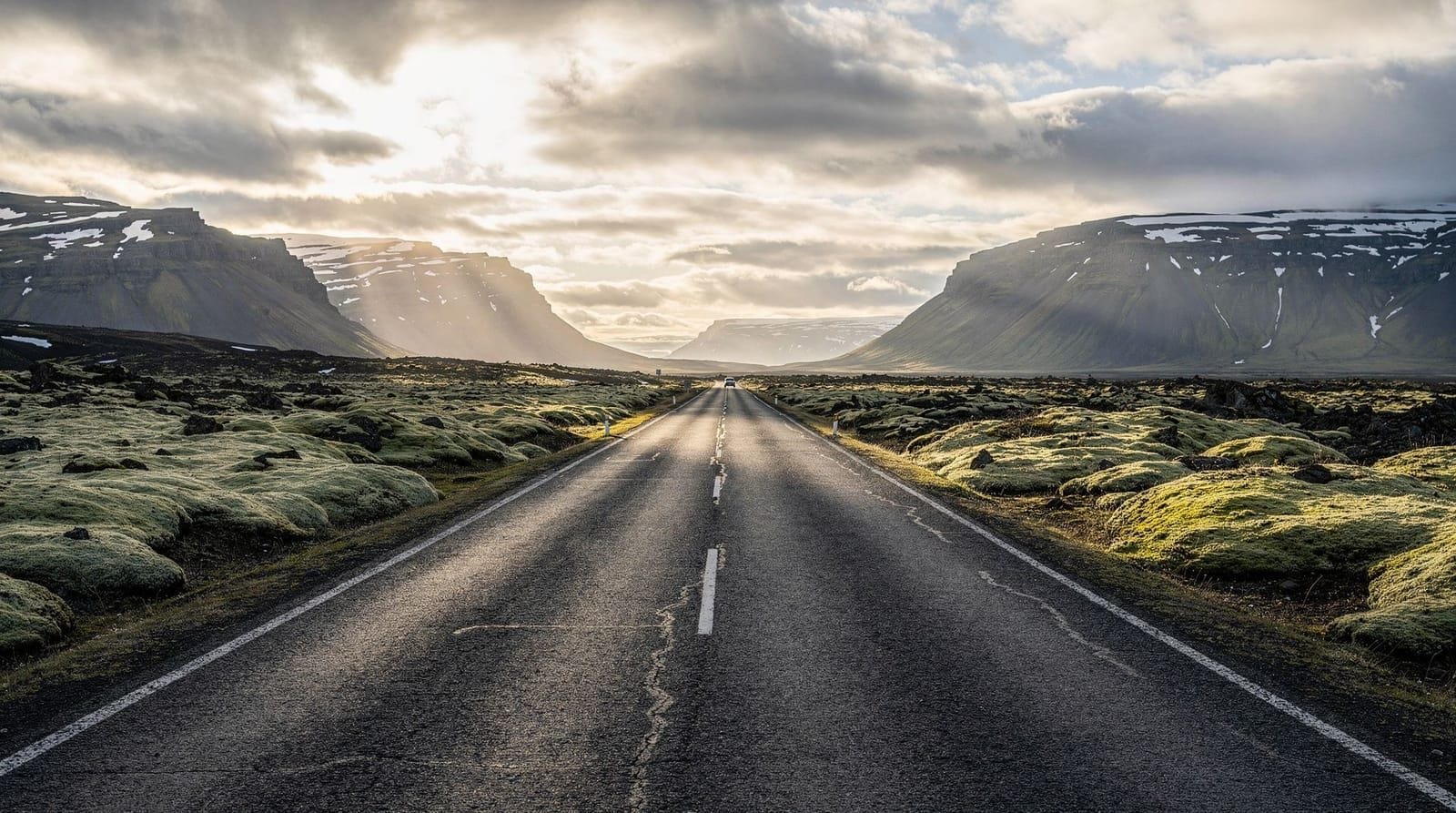
Download before you drive: Download offline Google Maps for Iceland, the safetravel.is app, and your route’s GPX file if you are hiking. Dead zones on the Ring Road can last 30–60 minutes between towns.
Use guesthouse Wi-Fi in the evening: Upload photos, plan the next day’s route, and check weather forecasts (vedur.is, en.vedur.is for English) in the evening when you have reliable internet.
Carry a backup battery: Iceland’s unpredictable weather means time outdoors. A 10,000–20,000mAh power bank keeps your phone alive through a long glacier day or northern lights hunt.
Do not rely on navigation apps alone: Paper or downloaded offline maps matter. Several areas (especially in the highlands and east) have spotty data coverage that will cause navigation apps to fail mid-route.
Data usage on the road: practical considerations
Iceland road-tripping involves heavy map use, regular weather checking, and a lot of photography that needs uploading to cloud storage. Here is realistic data usage for a 7–10 day trip:
- Navigation (Google Maps, Maps.me): 100–200 MB if using cached offline maps; 500 MB–1.5 GB if streaming navigation
- Weather checking: minimal (< 10 MB/day)
- Social media and photo uploads: 500 MB–3 GB depending on your habits
- Video calls (one per day, 30 minutes): approximately 1–2 GB total
- Music streaming: 300 MB–1 GB if streaming; zero if using downloaded playlists
Recommended minimum data package: 5 GB for a 10-day trip with moderate use and offline maps. Heavy users, families with multiple devices, or anyone video-calling daily should plan for 10 GB.
Tip: Download Spotify or Apple Music playlists before entering highland or remote areas. Streaming music over spotty data drains both battery and data. Offline playlists cost nothing once downloaded.
Hotspot sharing in Iceland
Most eSIMs and Icelandic SIM cards allow tethering/hotspot sharing. If you have one person in the group with a data plan, others in the car can connect to a hotspot for navigation. Check your plan’s tethering policy — some budget plans restrict hotspot use.
For a family or group of four using one data plan as a shared hotspot, allow 10–15 GB for the trip.
Photography and connectivity
Iceland photographers quickly discover that cloud backup of raw files is impractical at guesthouse speeds with multi-gigabyte RAW files. A few practical points:
- Most guesthouses have Wi-Fi capable of JPEG backups but struggle with RAW files from full-frame cameras
- Portable SSD drives (Samsung T7, SanDisk Extreme) are the practical backup solution — redundant copies on two drives
- Mobile phone photos back up to Google Photos or iCloud fine over most guesthouses’ Wi-Fi
- For video work: back up to a laptop at each accommodation; do not rely on cloud upload
eSIM vs local SIM vs roaming: which to choose
The three main options suit different travellers. Use this comparison alongside the Iceland travel guide planning basics to decide before you fly:
| Option | Best for | Typical cost (7–10 days) | Setup effort |
|---|---|---|---|
| eSIM | Most visitors; compatible phones (iPhone XS+, recent Android) | $10–25 | Buy and install before departure, activate on arrival |
| Local SIM (Síminn/Nova) | Older phones without eSIM; longer trips needing best rural coverage | 5,000–8,000 ISK | Buy at Keflavík arrivals, swap physical card |
| Home carrier roaming | EU/EEA SIM holders; occasional light users | Free (EU) to $5–10/day (US/UK/AU) | No setup, but check your specific plan first |
If your phone supports eSIM and you are not on an EU/EEA plan with confirmed free roaming, an eSIM is almost always the simplest and cheapest choice. Reserve the local SIM route for older phones, or if you specifically need Síminn’s stronger rural network for a highland-heavy or Westfjords-focused itinerary.
Connectivity and driving safety
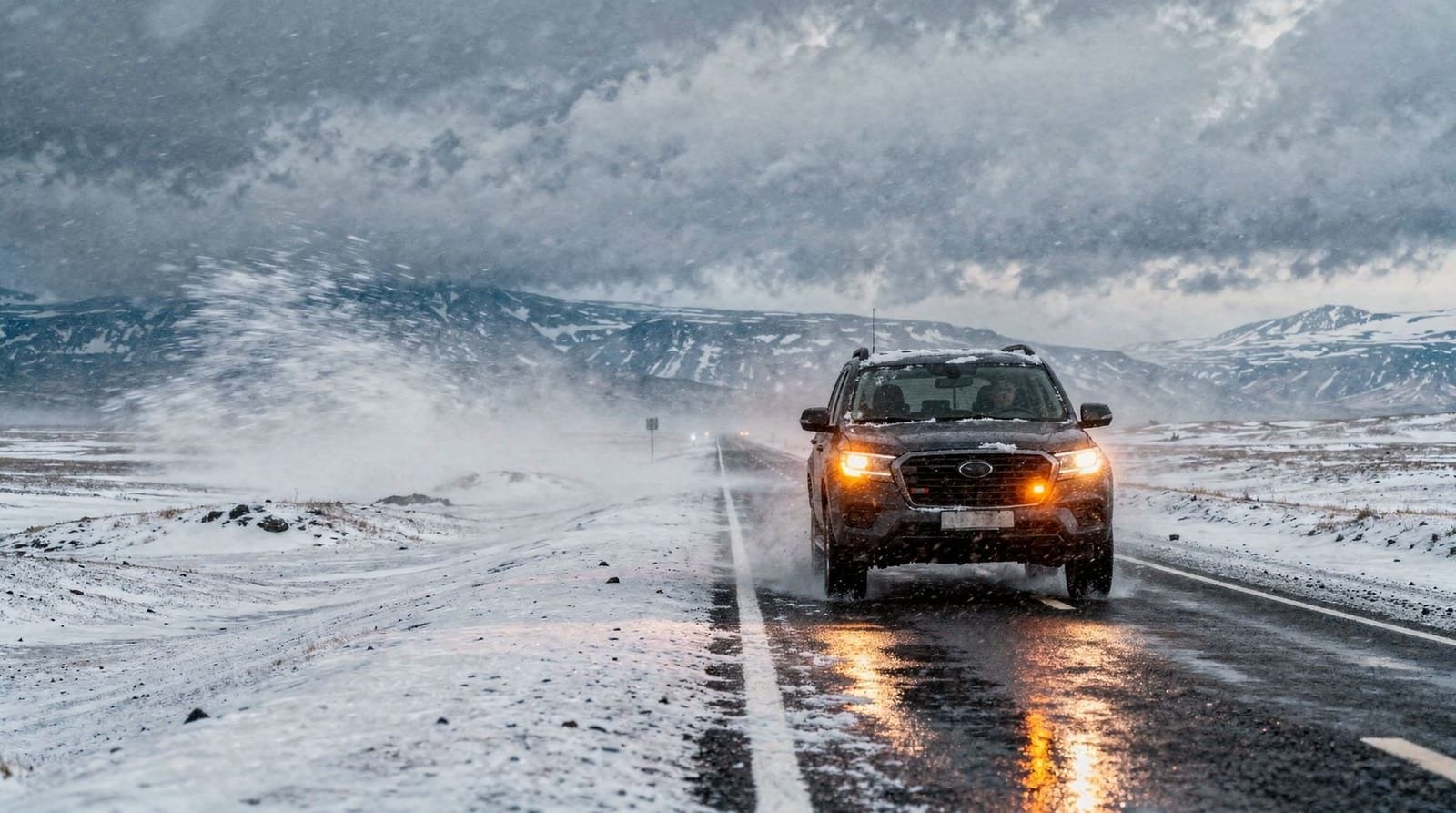
Poor signal is not just an inconvenience in Iceland — it interacts directly with driving safety on routes covered in the driving in Iceland and is Iceland safe guides. Dead zones mean you cannot always call for help or check road.is for closures in real time, which is one reason Icelandic authorities recommend registering your itinerary at safetravel.is before any remote drive — rescue services then know roughly where to look even if you never make contact.
Practical connectivity habits that support safer driving:
- Download offline maps and the safetravel.is app before leaving any town with signal.
- Check road.is and vedur.is at your last connected stop before entering a known dead zone (highlands, deep Westfjords, some East Fjords stretches).
- Tell someone your planned route and expected return time — this matters more than any app when you have no signal at all.
Frequently asked questions about Iceland connectivity
Does my EU SIM card work in Iceland with free roaming?
Yes, in most cases. Iceland is an EEA member and is included under EU roaming regulations, meaning most EU SIMs can use their home data allowance in Iceland at no extra cost. Check with your specific carrier to confirm.
Which Icelandic network has the best Ring Road coverage?
Síminn has the widest rural and Ring Road coverage. Nova is close behind on main routes. For remote highland or Westfjord trips, Síminn is the safer choice.
Will my phone work in Iceland?
Iceland uses standard 4G LTE and GSM frequencies. Any modern unlocked smartphone will work. If your phone is locked to a specific carrier, either unlock it before travelling or use an eSIM if your phone supports it.
Is there mobile signal in the highlands?
Mostly not. The central highlands (Landmannalaugar, Kerlingarfjöll, Askja) have very limited or no mobile signal on most networks. Register your itinerary on safetravel.is and carry the 112 Iceland app before going into the highlands.
Can I use my phone as a GPS device without signal?
Yes. GPS is a separate system from mobile data. Your phone’s GPS receiver works independently. Download offline maps to use navigation without data.
How do I avoid bill shock with roaming?
Either use an eSIM/local SIM for data, or switch off data roaming in your phone settings and connect only over Wi-Fi. Make sure your home carrier’s data roaming rate is not activated by accident — a few video calls over roaming can generate significant charges.
Is there 5G in Iceland?
5G is available in Reykjavik and Akureyri. The Ring Road and rural Iceland are primarily 4G. For typical travel use (maps, messaging, social media), 4G is entirely sufficient.
What if I need to contact the emergency services in a dead zone?
Download the 112 Iceland app and the safetravel.is app before you leave mobile coverage areas. The 112 app transmits your GPS coordinates when you activate an emergency alert, even with minimal signal. In remote areas, always tell someone your planned route and expected return time before setting off.
Should I buy an eSIM before I fly or wait until I land at Keflavík?
Buy and install it before you fly. Most eSIMs activate the moment you land and connect to an Icelandic network, and having it installed in advance means you can be online the moment you land rather than fumbling with airport Wi-Fi to complete a purchase.
Is one eSIM enough for a two-week trip combining Iceland and another European country?
Check whether your eSIM plan is Iceland-only or regional. Providers like Nomad and Airalo sell European regional plans that cover Iceland alongside other Schengen countries, which is more cost-effective than buying two separate country-specific eSIMs if your trip continues elsewhere.